


How To Install Aethersx2
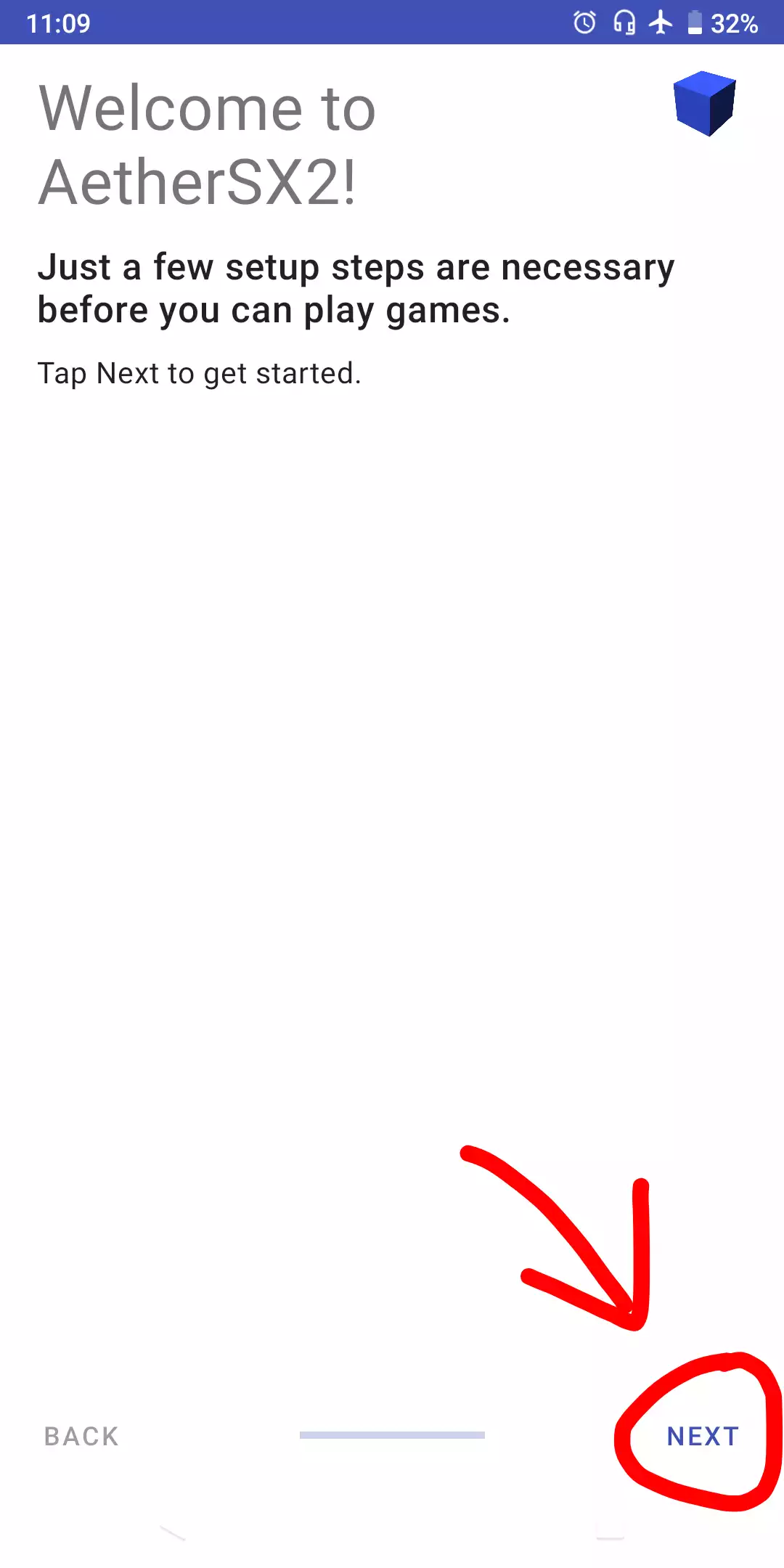
1. First of all, of course you have to download the aethersx2 application, bios and games. After downloading, you can immediately install and open the application. After opening it then select next.
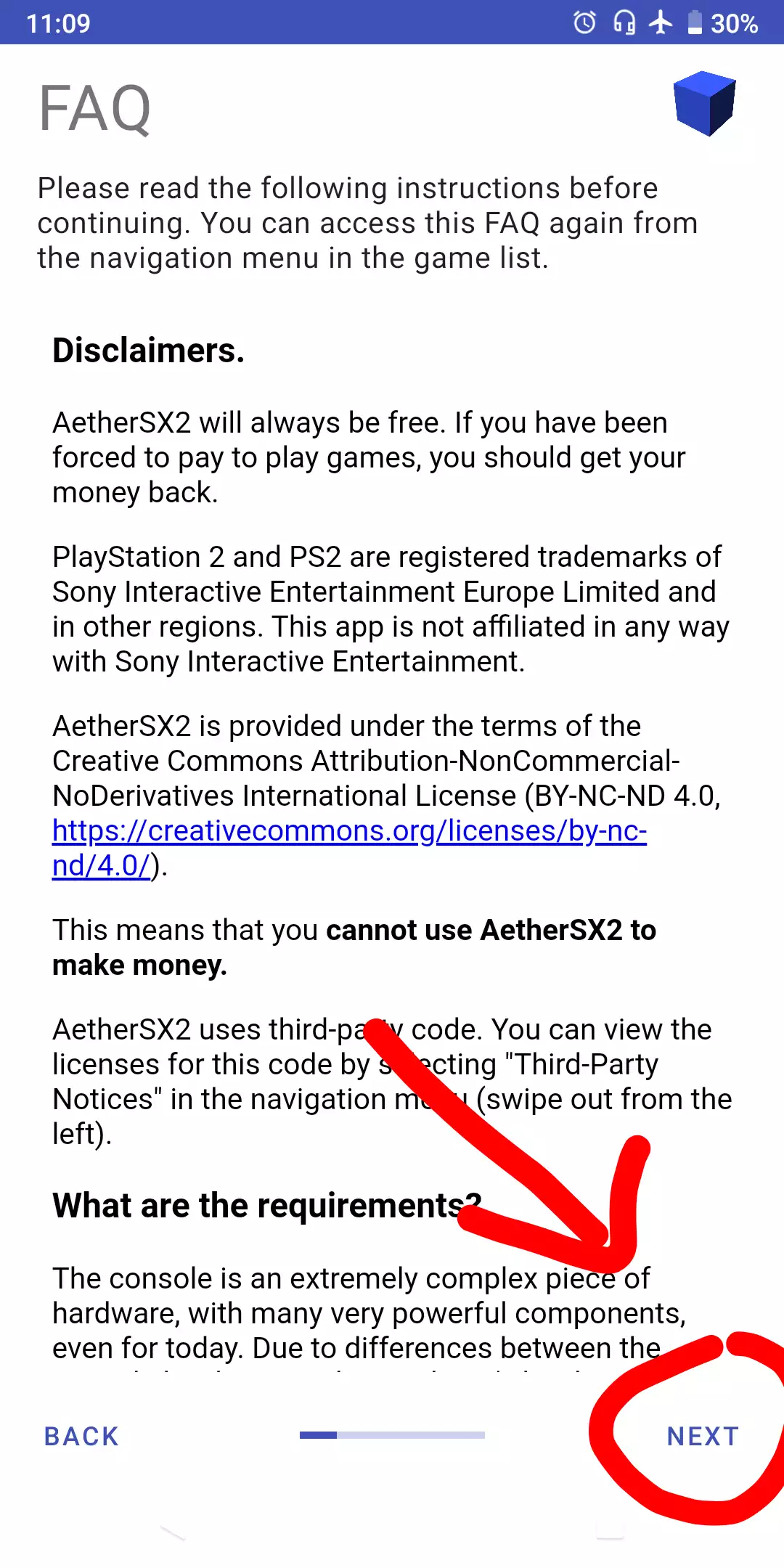
2. Here there is an FAQ that you can read first, then select next.
3. In the third step here there are several options, select Optimal/Safe if your device has high end specifications and select Fast/unsafe if your device has specs i>Low End.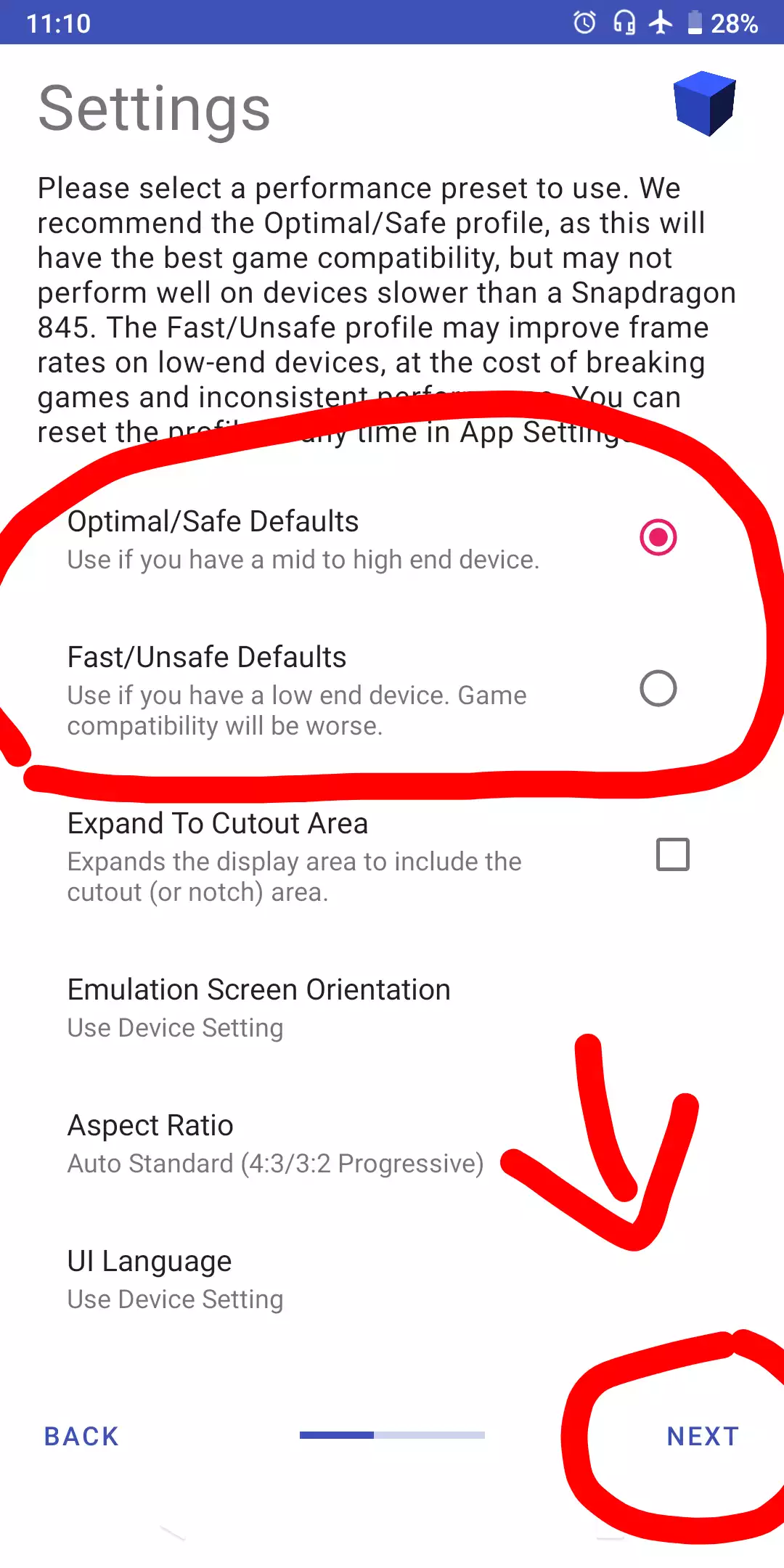
4. In the fourth step, you select import bios.
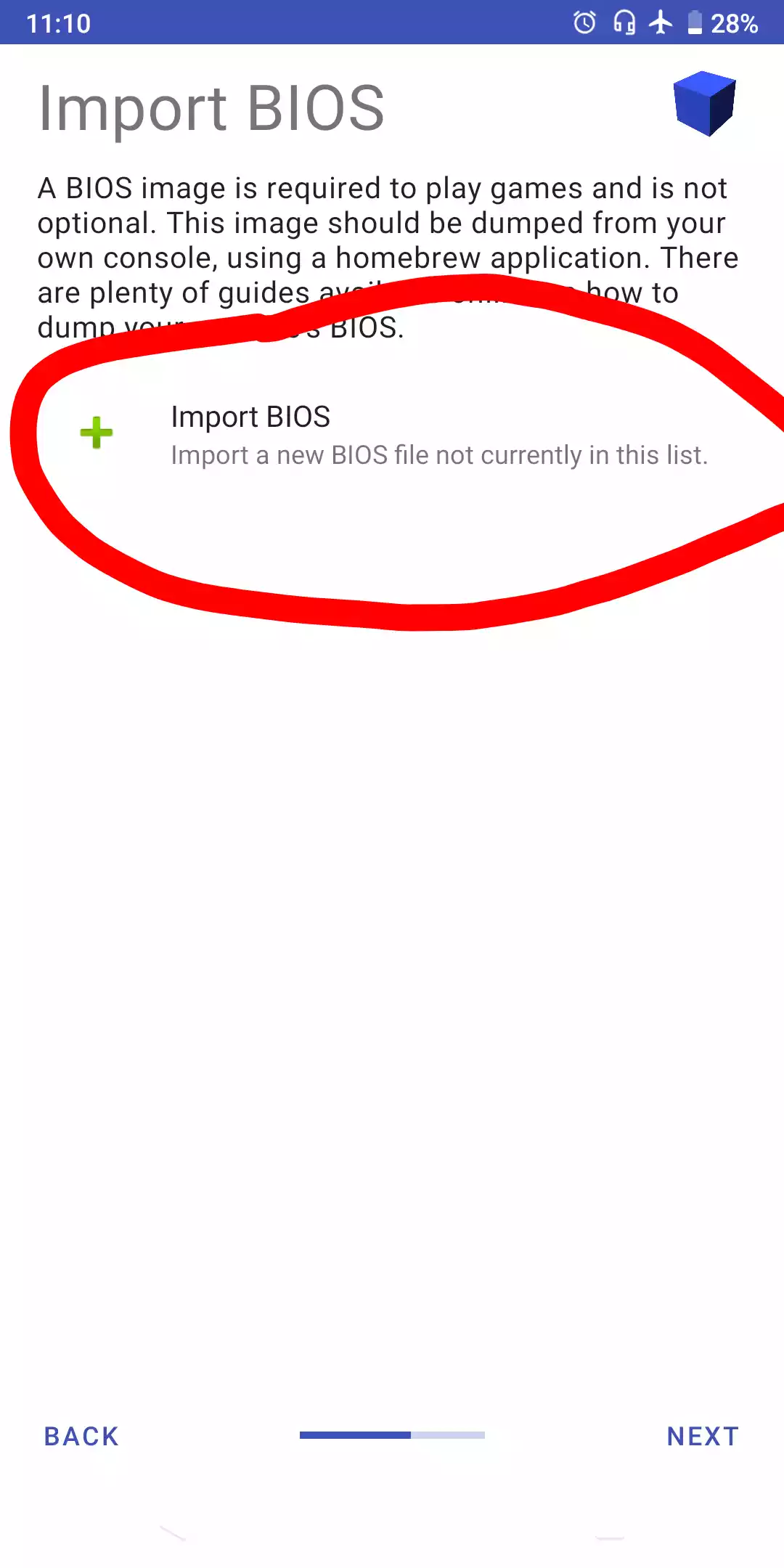
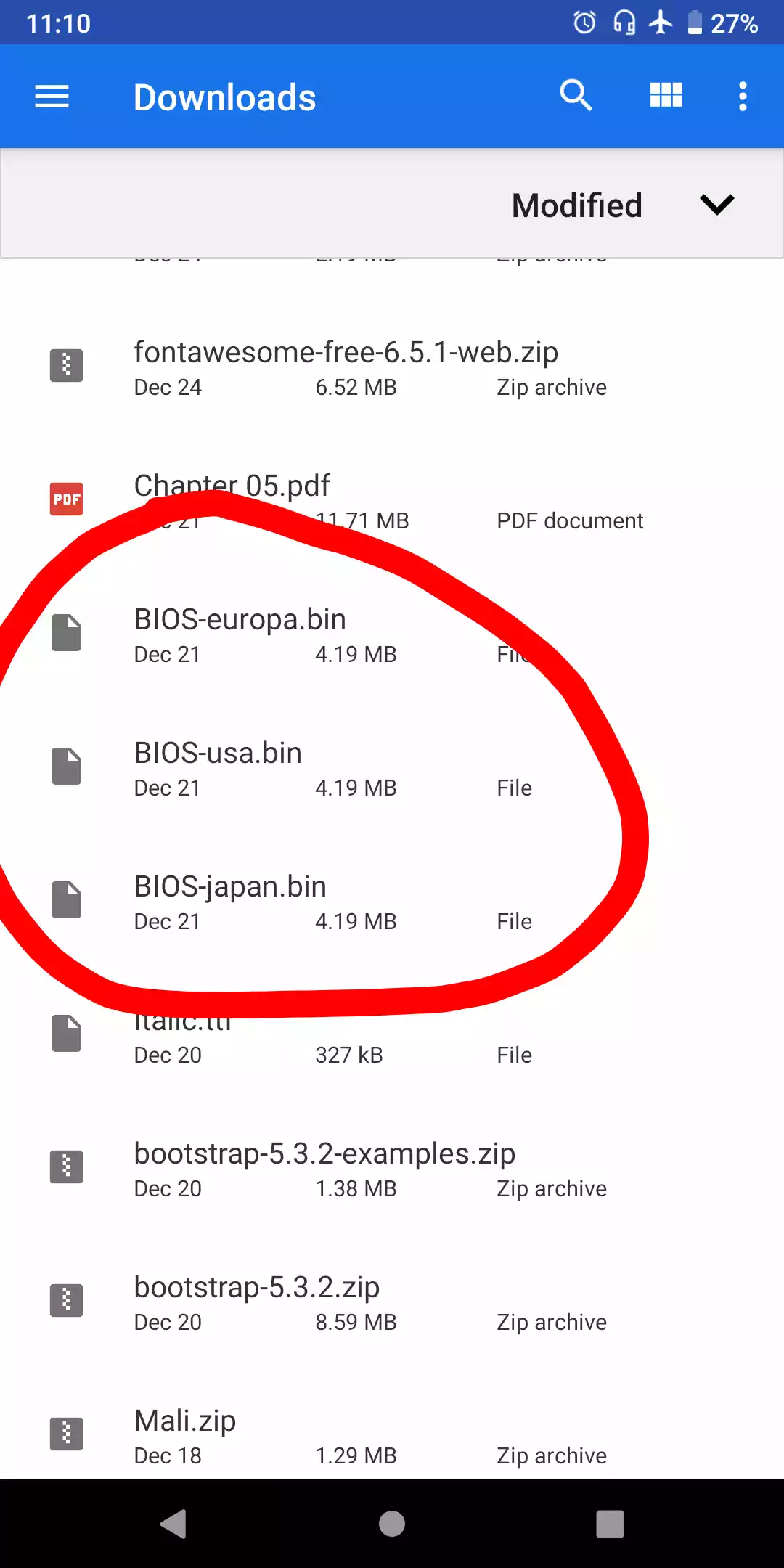
5. Select one of the bios that you downloaded earlier.
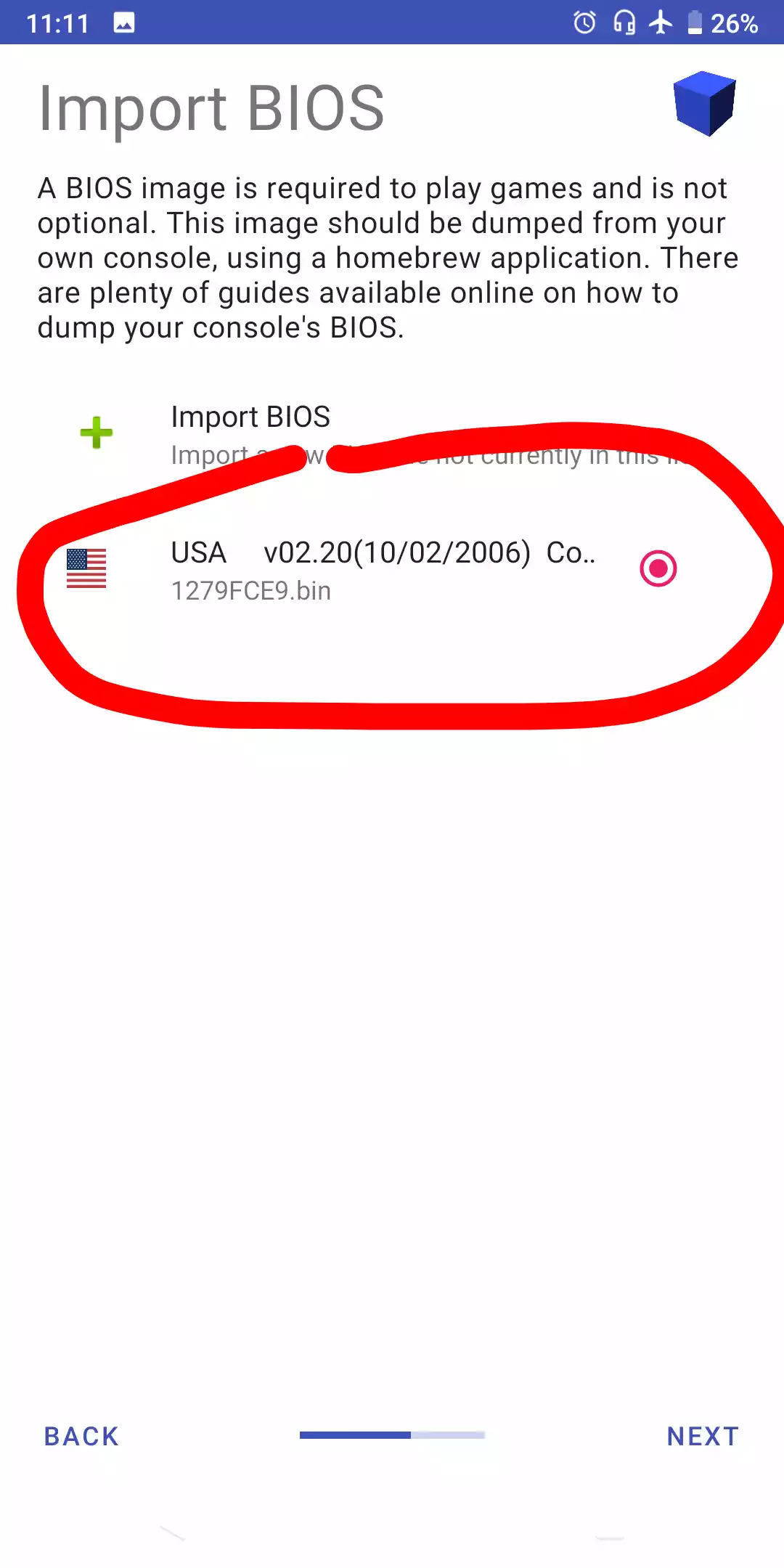
6. Check that the bios is active.
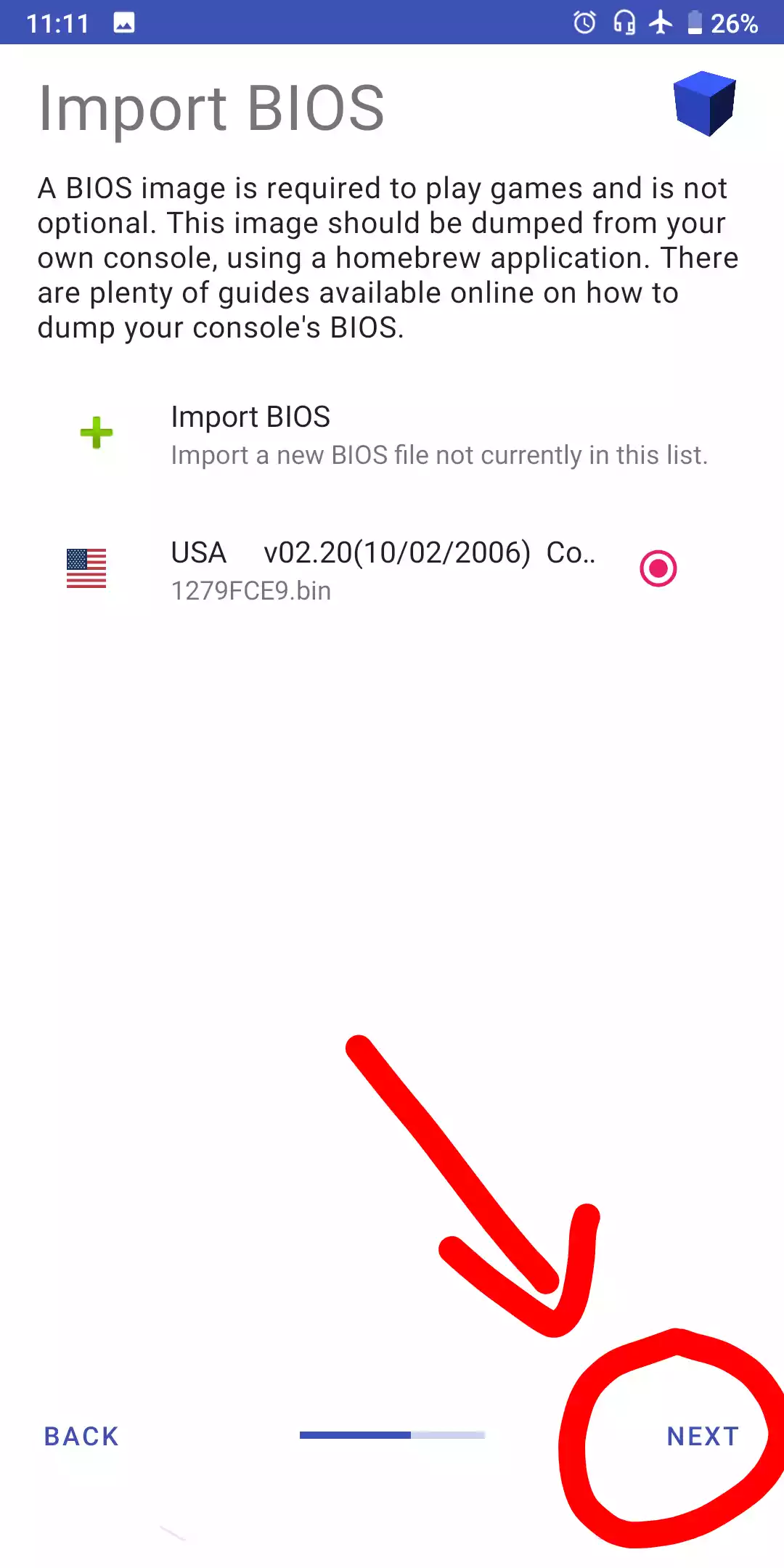
7. Then select next.
8. The fourth step is to add the game that was downloaded earlier.
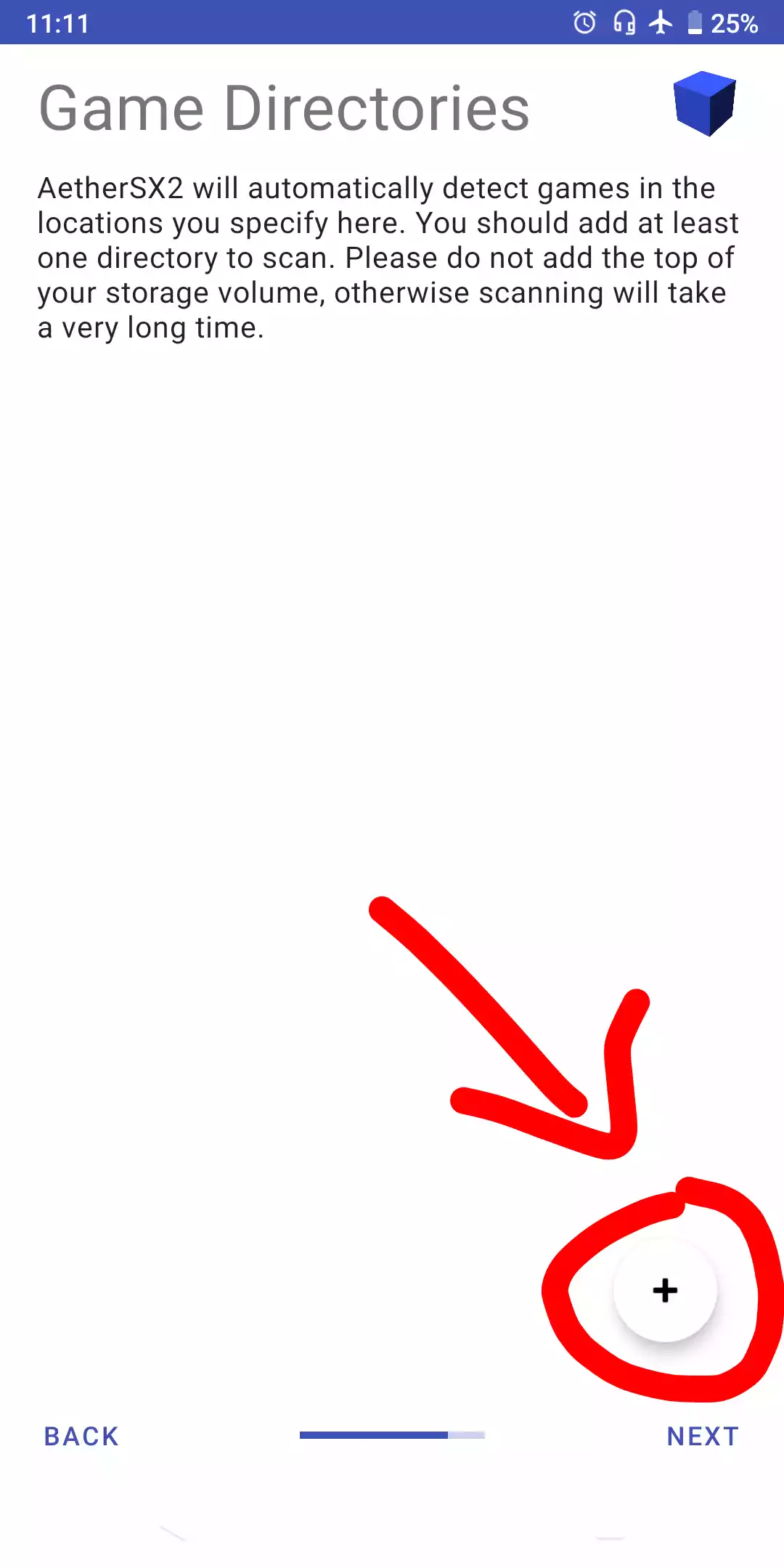
9. Select Game Directory.
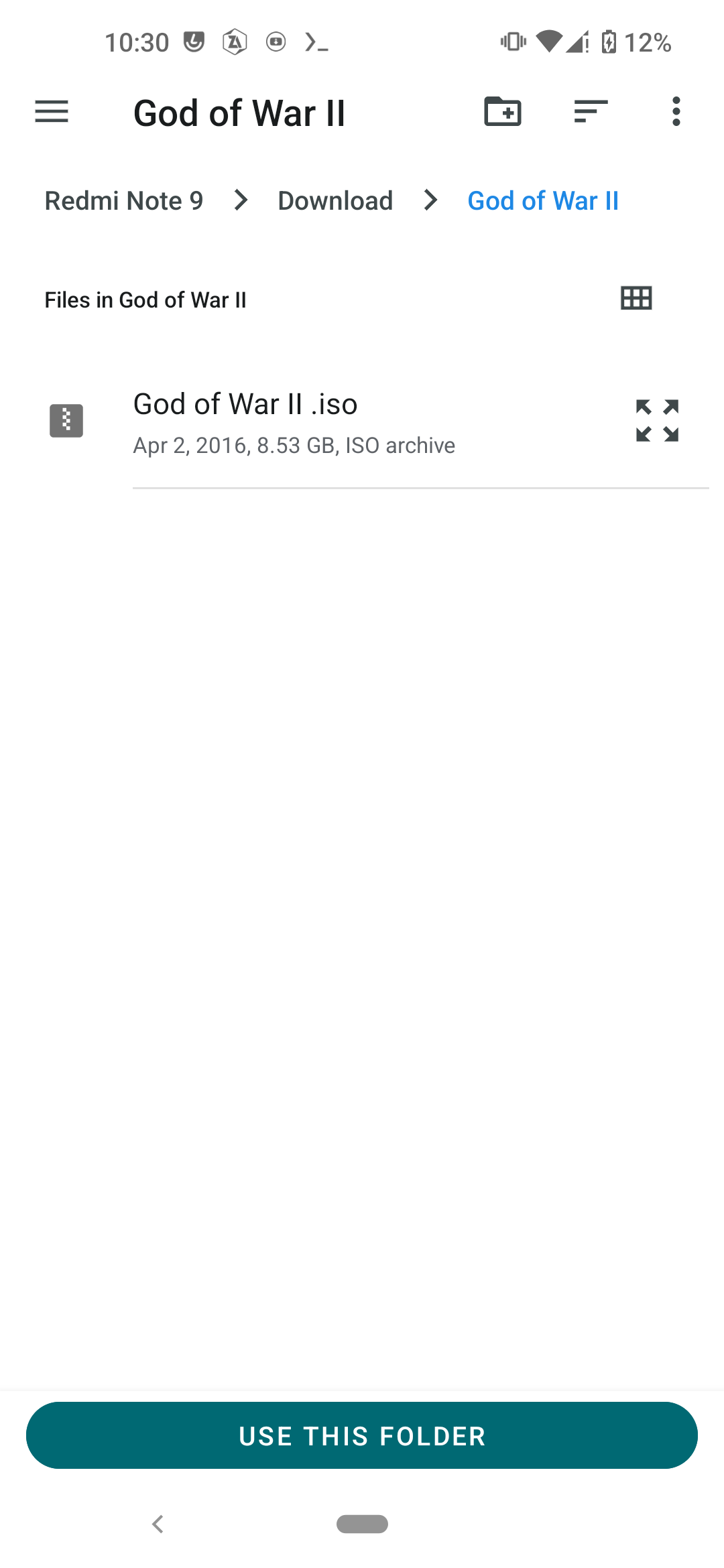
10. Select Next.
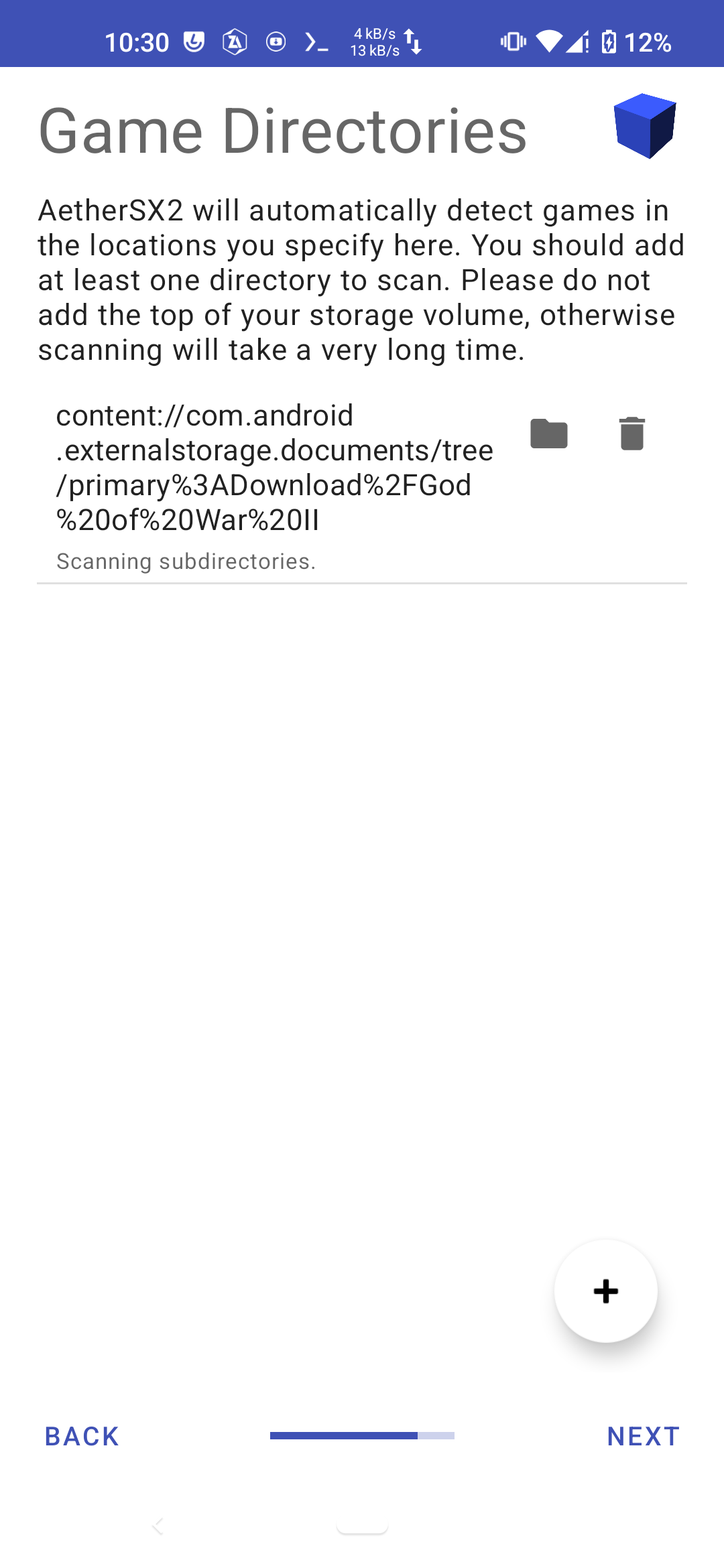
11. Select Game.
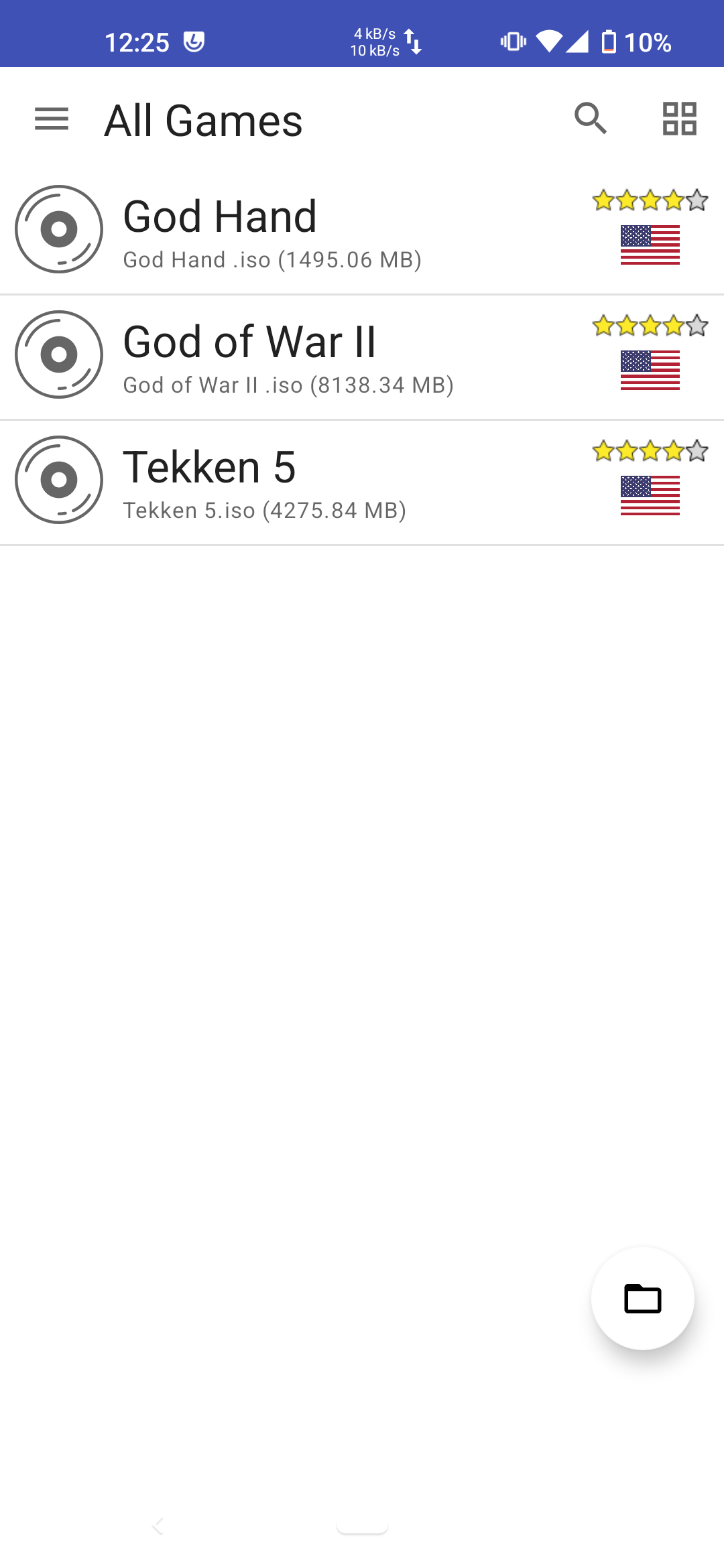
12. Tekken 5 Screenshot
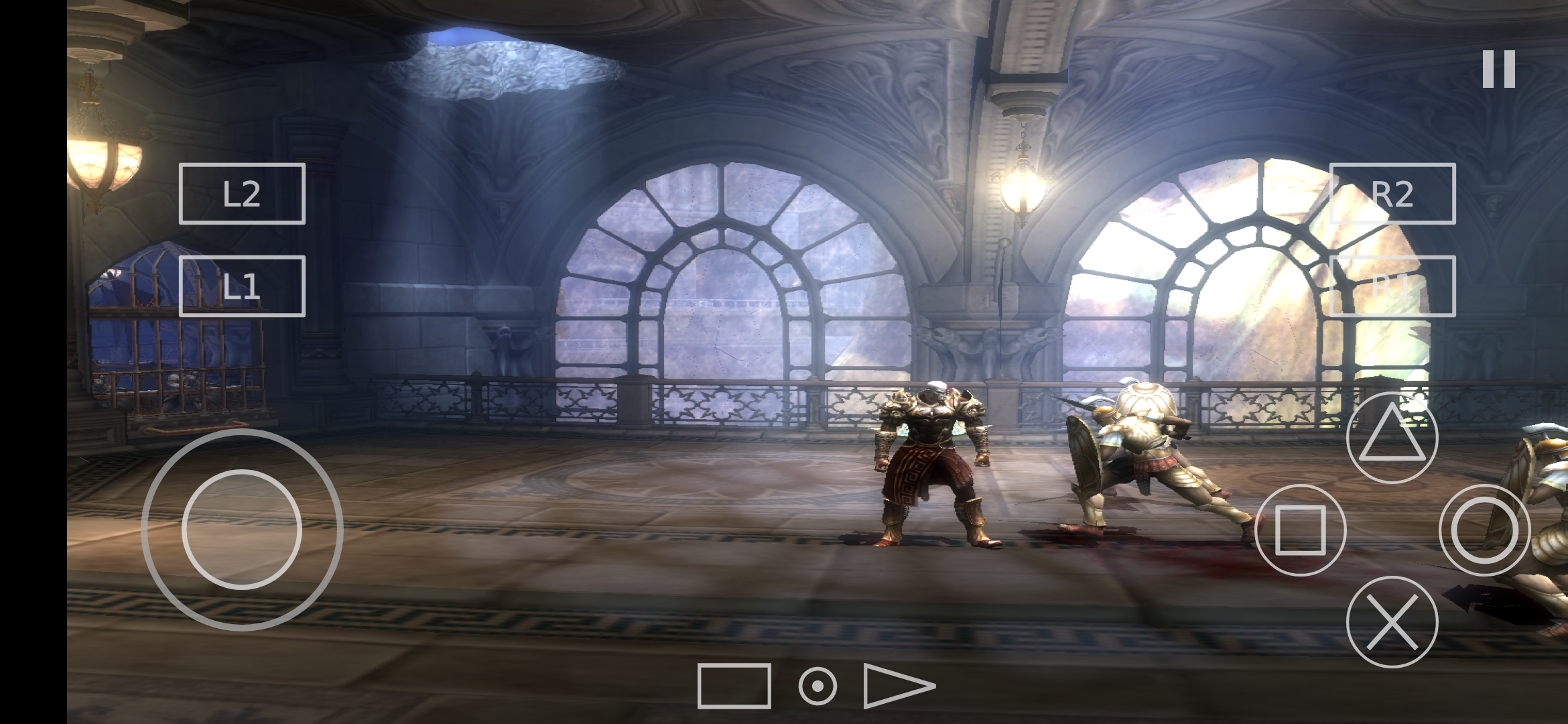
13. God Of War 2 Screenshot
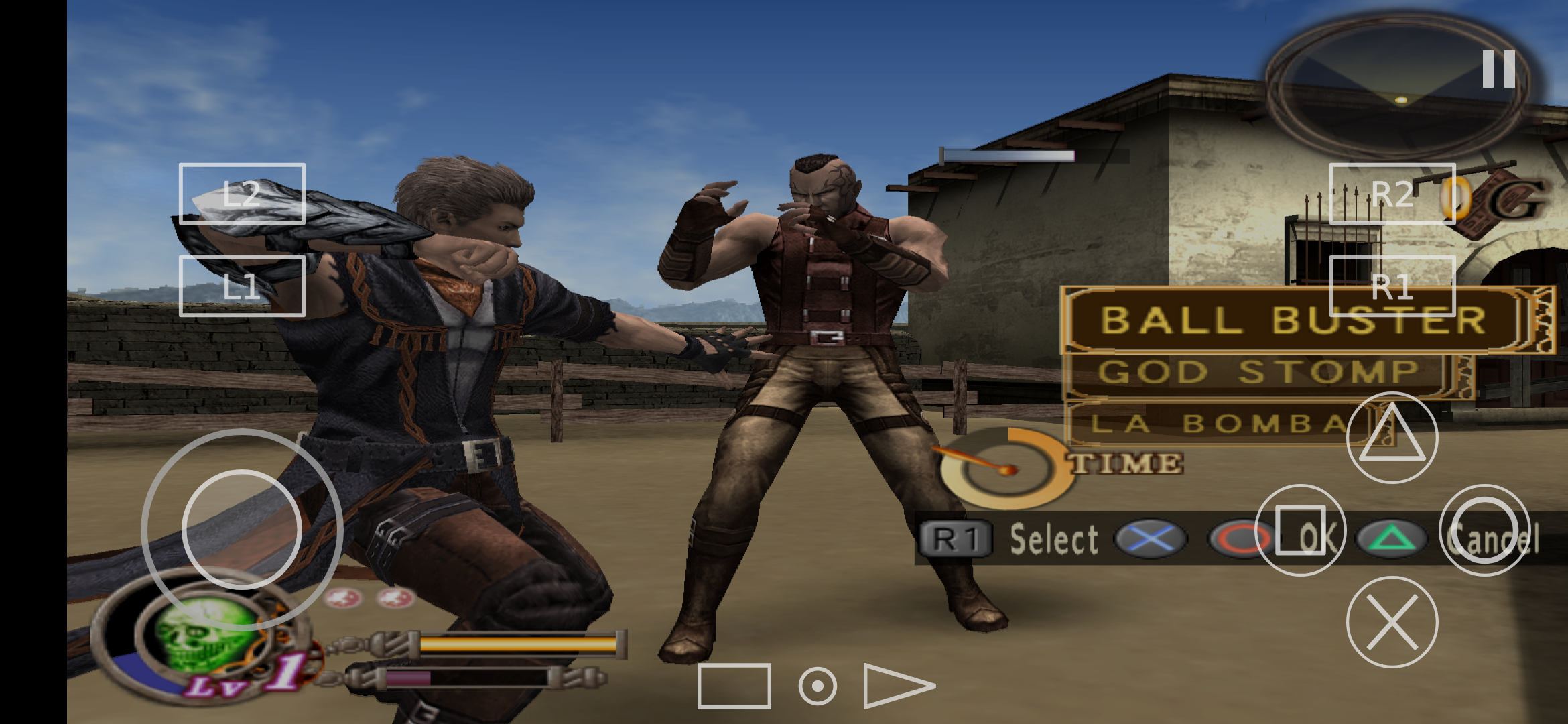
14. God Hand Screenshot
Requestment
Requirements for installing aethersx2 are a minimum of Android 7.0 (Nougat) and above and an architecture supported by Arm64 (64bit).
To use aethersx2 smoothly and smoothly when playing games, we recommend that you meet the following specifications:
Android
- Prosesor : Use Minimum Qualcomm Snapdragon 870
- Android Version : Android 10 +
Windows
- Prosesor : Use Minimum Intel core i3 gen 10 +
- Windows Version : Windows 10 +
Linux
- Prosesor : Use Minimum Intel core i3 gen 10 +
- Linux Version : Ubuntu 20 +


Posting Komentar